


How do you use Smart Symbols with your whole school team?
The PDCA cycle
One powerful tool for all your classroom organisation
Less admin, more insight. Smart Symbols supports your team at every step: plan, do, check and act.


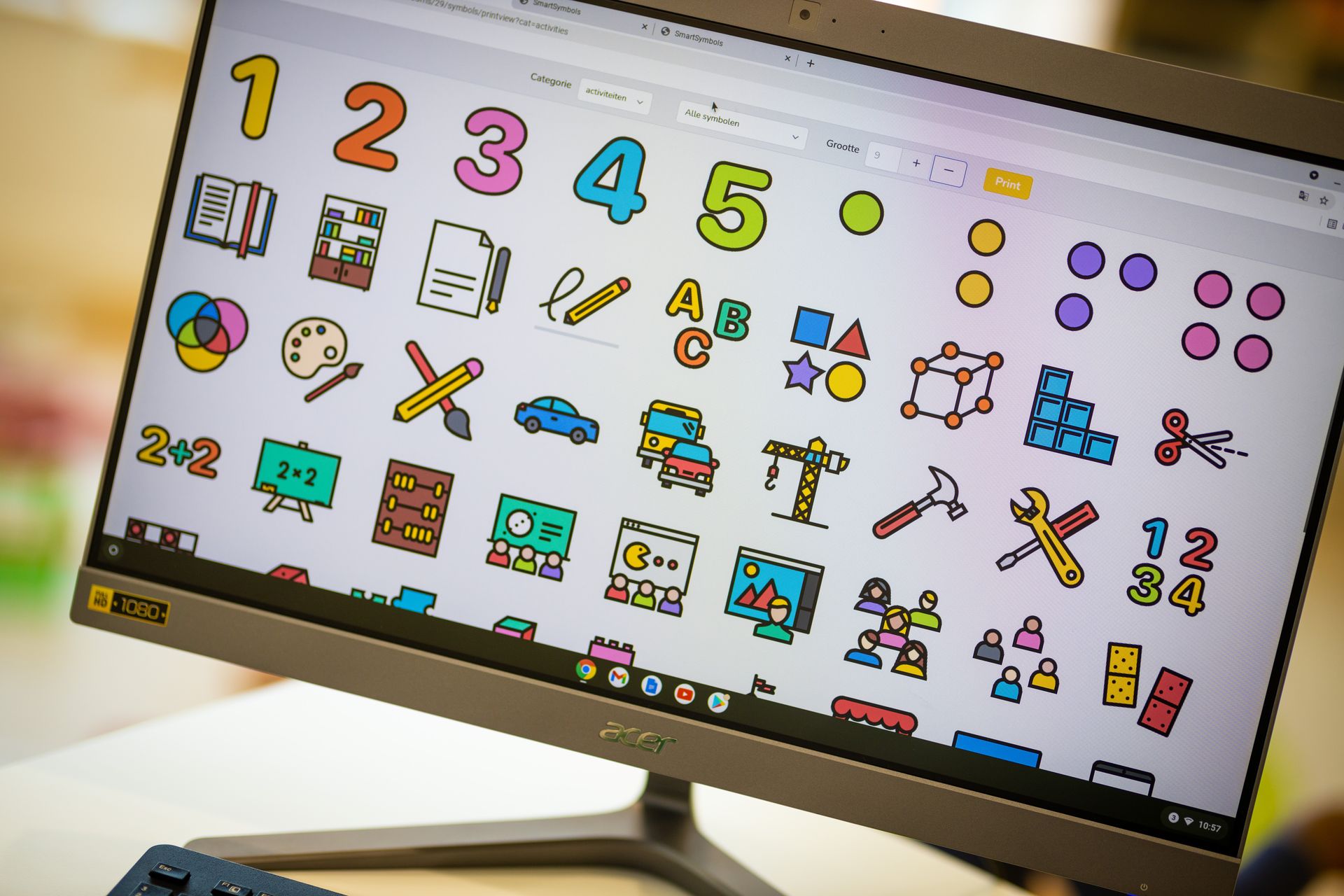




PLAN – Prepare without the planning burden
Activities tailored to every child · Effortless differentiation · Focus on learning goals · Working as a team · Shared agenda · Inspiring lesson plan library

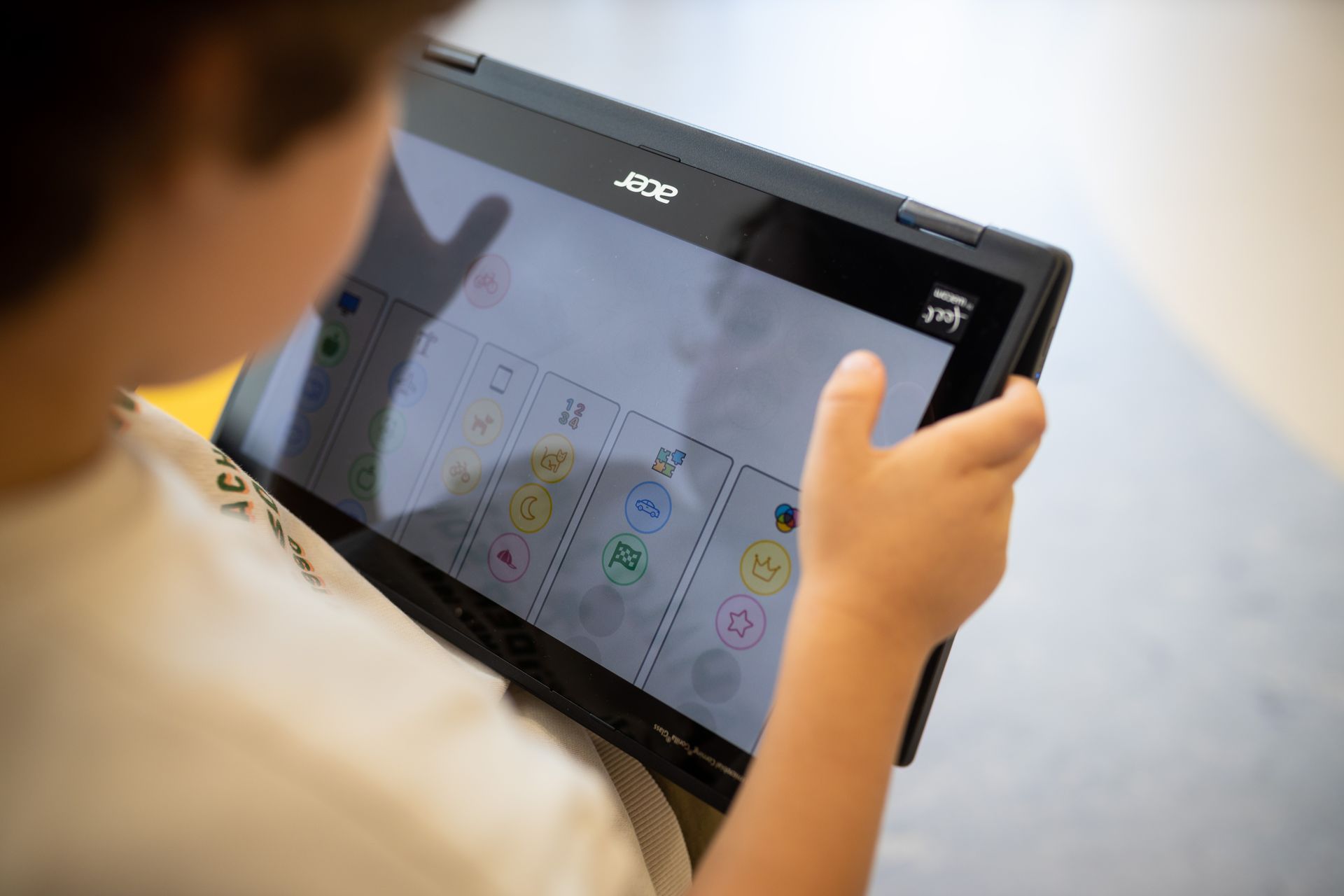
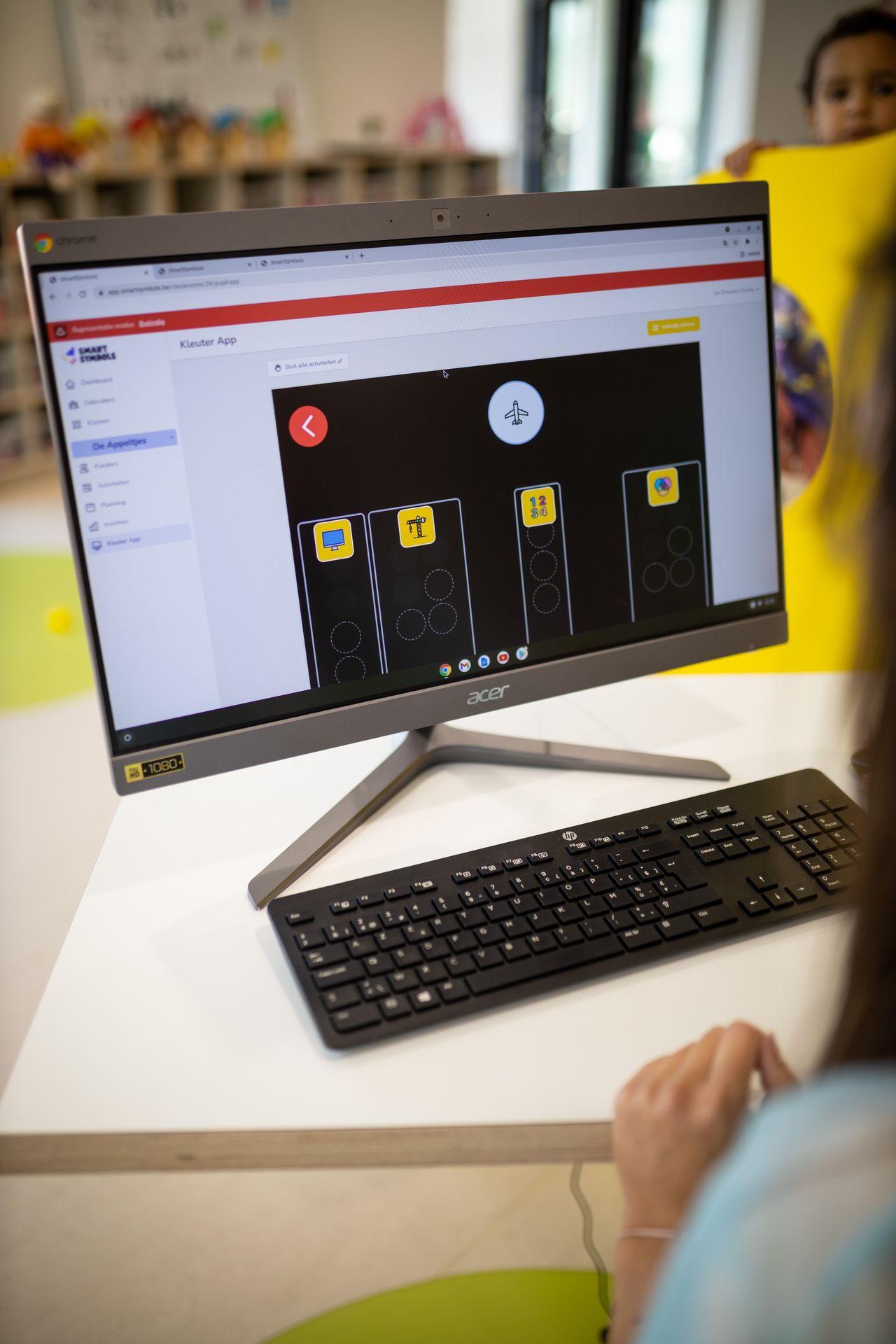
DO – Calm and overview in the classroom
Child-friendly choice board, on several screens at once · Clear symbols · Independent children · Automatic registration · Reflection board

CHECK – Observe and assess without paperwork
Quick observations with photos · Objective data · Digital portfolios · Integrated pupil record · Complete class profile · Clear goals overview

ACT – Adjust based on insights
Insight into social dynamics · See how activities are received · Clear picture of time spent per child · Direct feedback from children · Well-founded parent meetings
For the whole school team
What Smart Symbols means for your school
School leaders, support coordinators, ICT coordinators and preschool teachers all work from the same data. That makes working together a lot easier.
For school leaders
Goal-oriented policy
As administrator, set school-wide assessment levels and decide on the annual goals for each class, so every class works from the same agreements.
For support coordinators
Support and pupil tracking
Link an external pupil file to a child via the cloud. That file grows with the child for years, from class to class.
How Smart Symbols supports pupils who need extra support →For teachers
Working with colleagues
Share lesson plans and collections with your colleagues and reuse each other's work. That saves valuable time and lightens the planning load.
More about thematic planning →For ICT coordinators
No installation needed
Smart Symbols works in the web browser on a computer, tablet or smartphone. The choice board runs on the interactive whiteboard or a tablet, even on several devices at once. You can sign in with a Google or Microsoft account.
Curricula
The goals are already in the app
The Flemish curricula of KOV (Op.Stap), GO! and OVSG (Leer Lokaal) are integrated, as are SLO and Focus PO for the Netherlands. Select goals the way you are used to.
Privacy
Data kept safe in Europe
Personal data is stored in Frankfurt (Germany) and processed in line with the GDPR. Smart Symbols never sells data for marketing or advertising.
Read our privacy policy →Getting started
How to get started
Try it first, then get started together. We are happy to help your team along.
Step 1
Free trial
New schools try Smart Symbols for free with all features. You don't need any payment details to start.
Step 2
Training for your team
The Essential package includes an online introductory training. Several sessions or on-site training are also possible.
View the packages →Step 3
Ongoing support
After the start, we stay available for your questions. Our support team helps you and your colleagues get the most out of Smart Symbols.
Go to the webinars →

Curious what Smart Symbols can do for your school?
Try it for free with your own class, or get in touch for a demo with your school team.