
Smart Symbols: the app for the preschool classroom
Smart Symbols is the app for preschool teachers. Plan your themes, let children choose on the digital choice board, capture observations with photos and see at a glance where every child stands.
What Smart Symbols does
Everything for your preschool class in one app
No more loose sheets, notebooks or Excel files. Planning, observation and assessment all in one place.
Observe and assess efficiently
Capture an observation in a few taps, with a photo and linked to the right goals.
Learn more →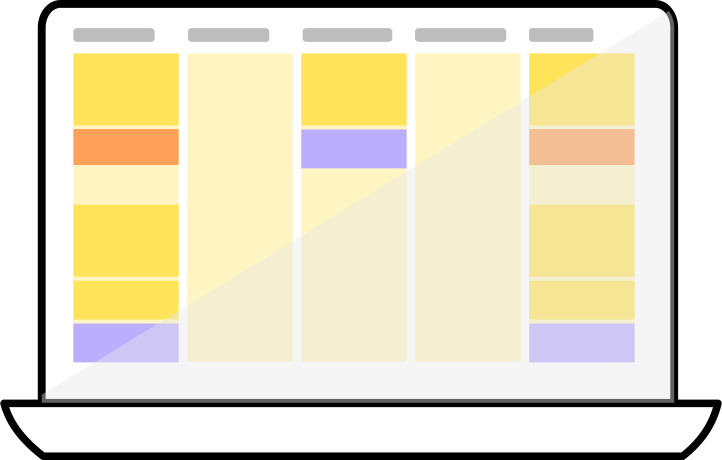
Planning (with themes)
Plan your (theme) week and link activities to the goals in your curriculum.
Learn more →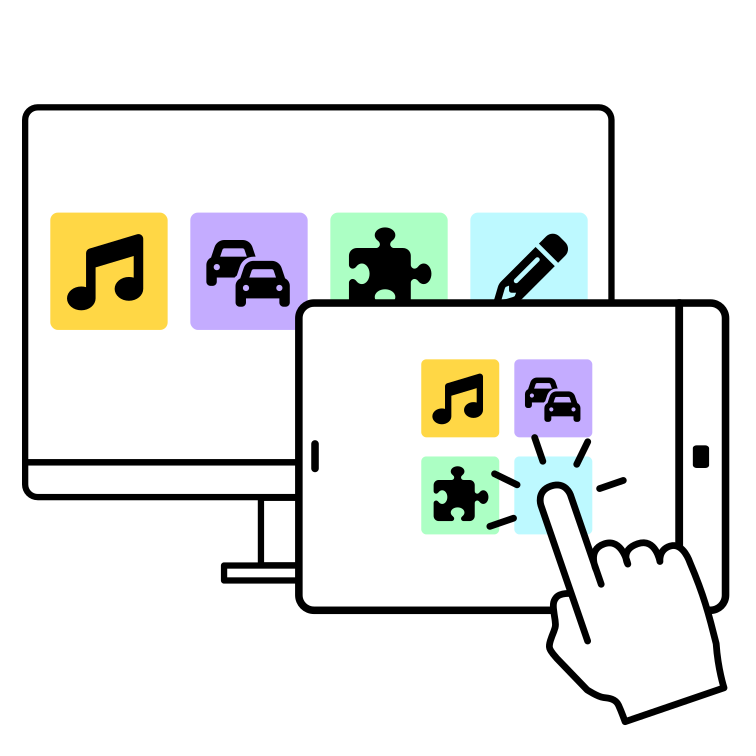
Digital choice board
Children choose their own learning corner on the interactive whiteboard or tablet. How they spend their time is tracked automatically.
Learn more →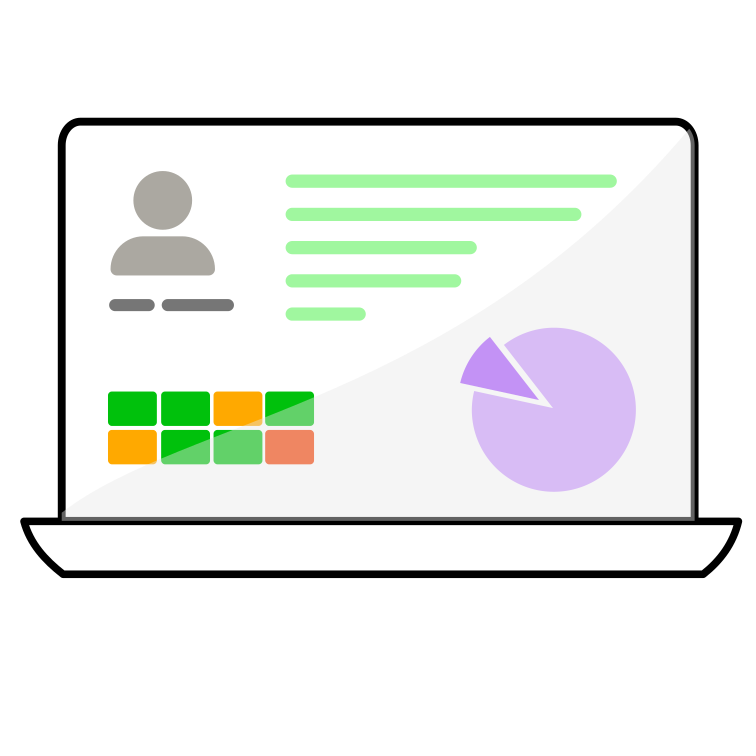
Pupil tracking and parent-teacher meetings
All observations, photos and progress for each child in one place. So you can show parents exactly how their child is growing.
Learn more →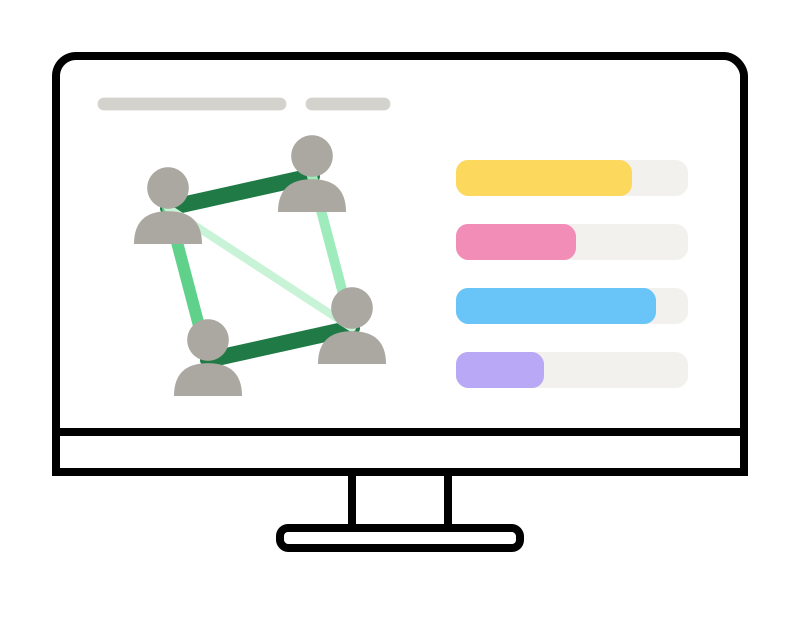
Class profile and social interactions
See where your class stands, who needs an extra challenge or support, and who plays with whom.
Learn more →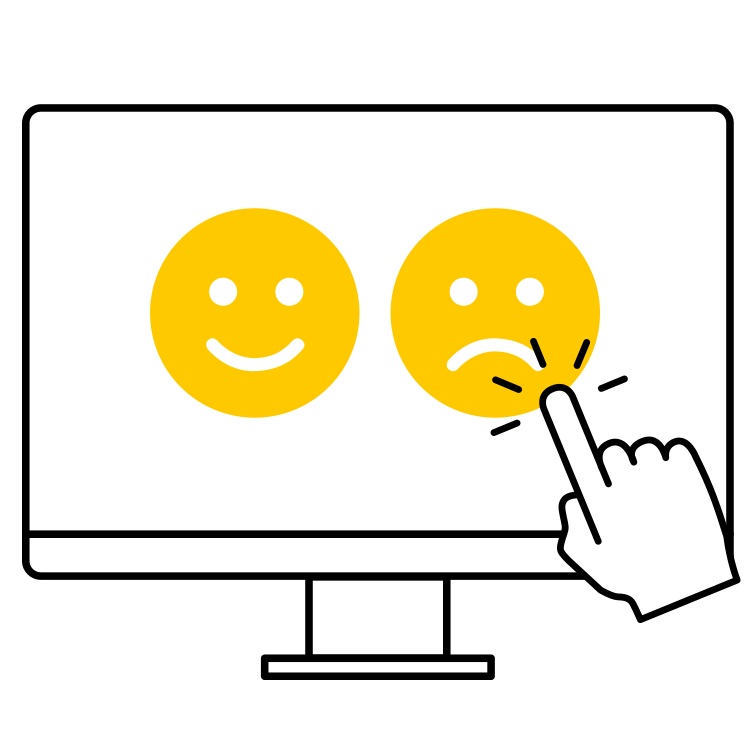
Feedback from children
How did a child feel during an activity? Ask afterwards with a simple choice screen, so you quickly see which situations need extra attention.
Meer weten →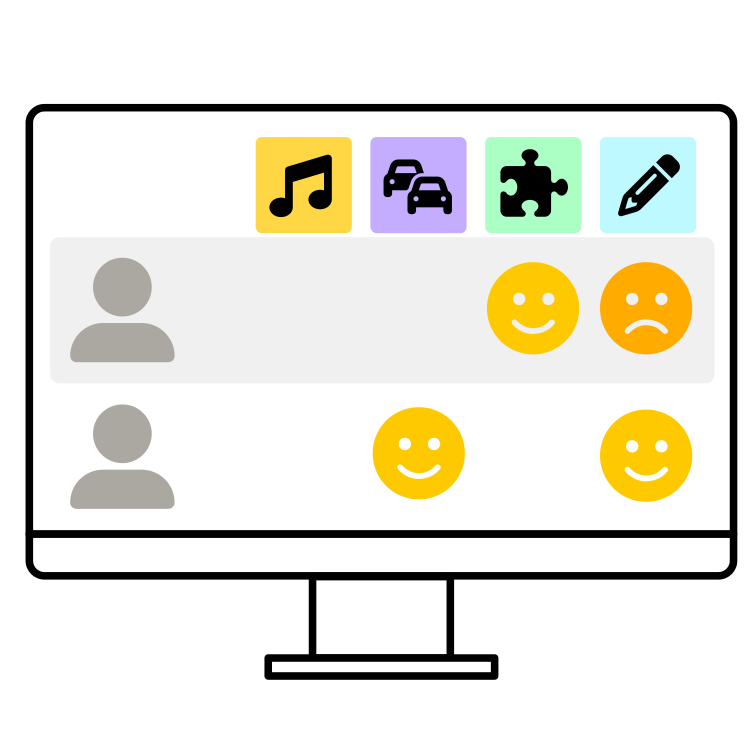
Reflection board
Look back on the day together with your class. What did they enjoy? What was difficult? Who divided their time well?
Meer weten →
Your own symbols
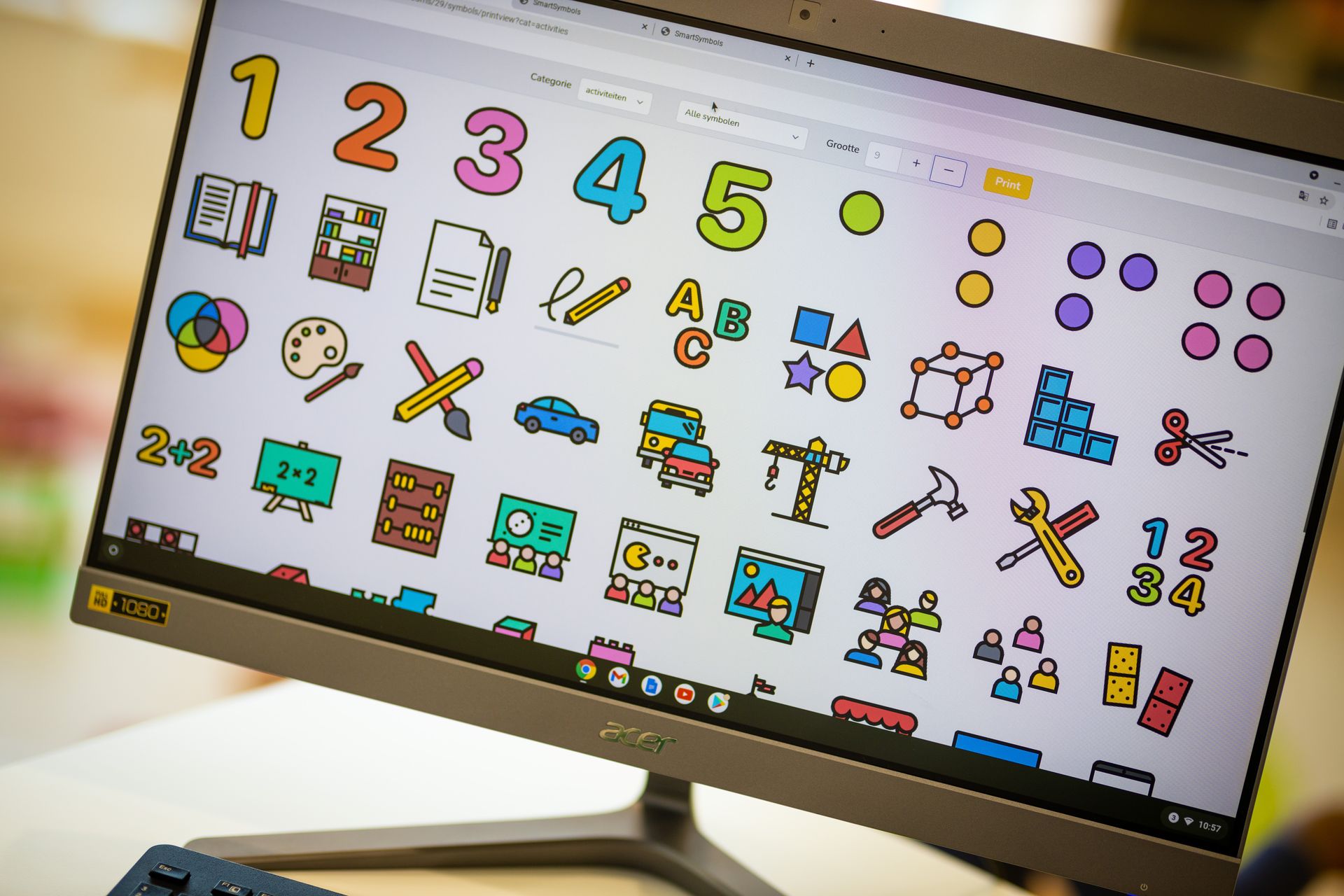
Add unlimited symbol libraries of your own to the large set of free symbols, shared across all classes if you like.
Meer weten →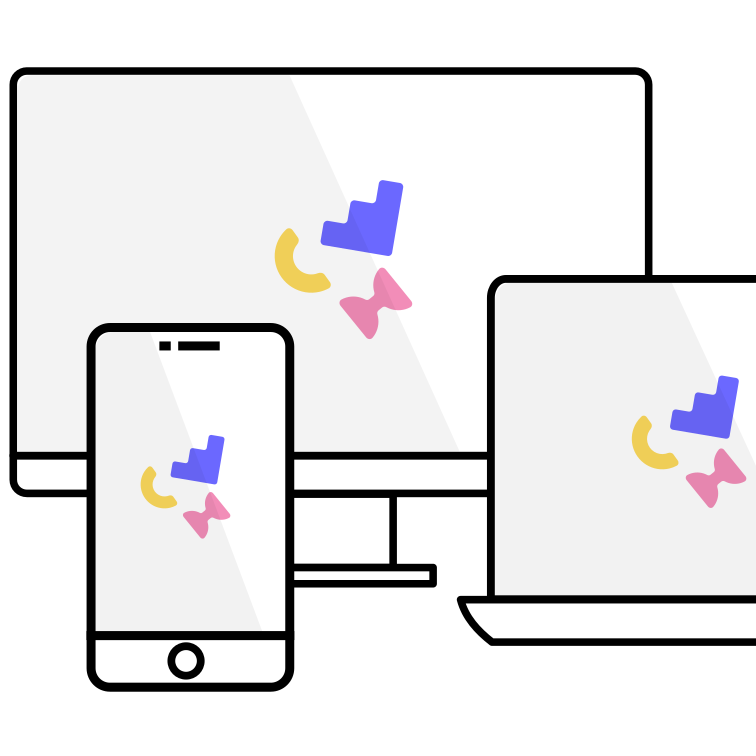
Works on any device
Smart Symbols works on any device: laptop, interactive whiteboard, tablet and smartphone.
Smart Symbols in numbers

Schools
± 250
schools already work with Smart Symbols

Countries
4
the Netherlands, Belgium, England and Spain

Recognition
2024
Winner of the Sett EdTech Award


Schools that are already convinced
From small village schools to large school groups across Flanders.






A package that fits your school
Choose the package that suits your class or school. We are happy to prepare a tailored quote.
Free
with your own class
Free trial
Try Smart Symbols in your own class.
On request
tailored quote
Lite
The digital choice board with a basic planner and basic insights.
On request
tailored quote
Essential
Everything in Lite, plus observations, goal assessment, lesson plans and advanced insights.
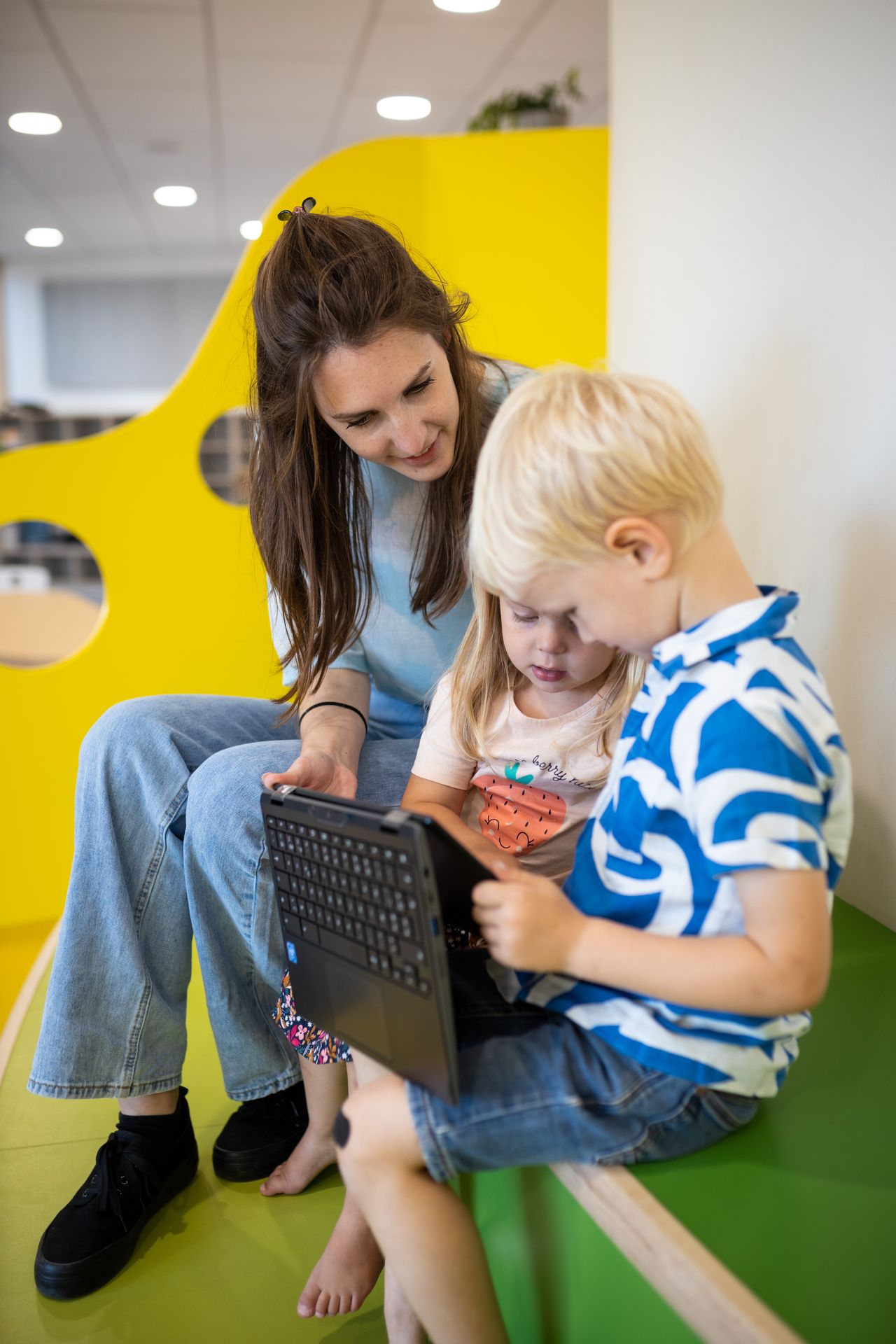
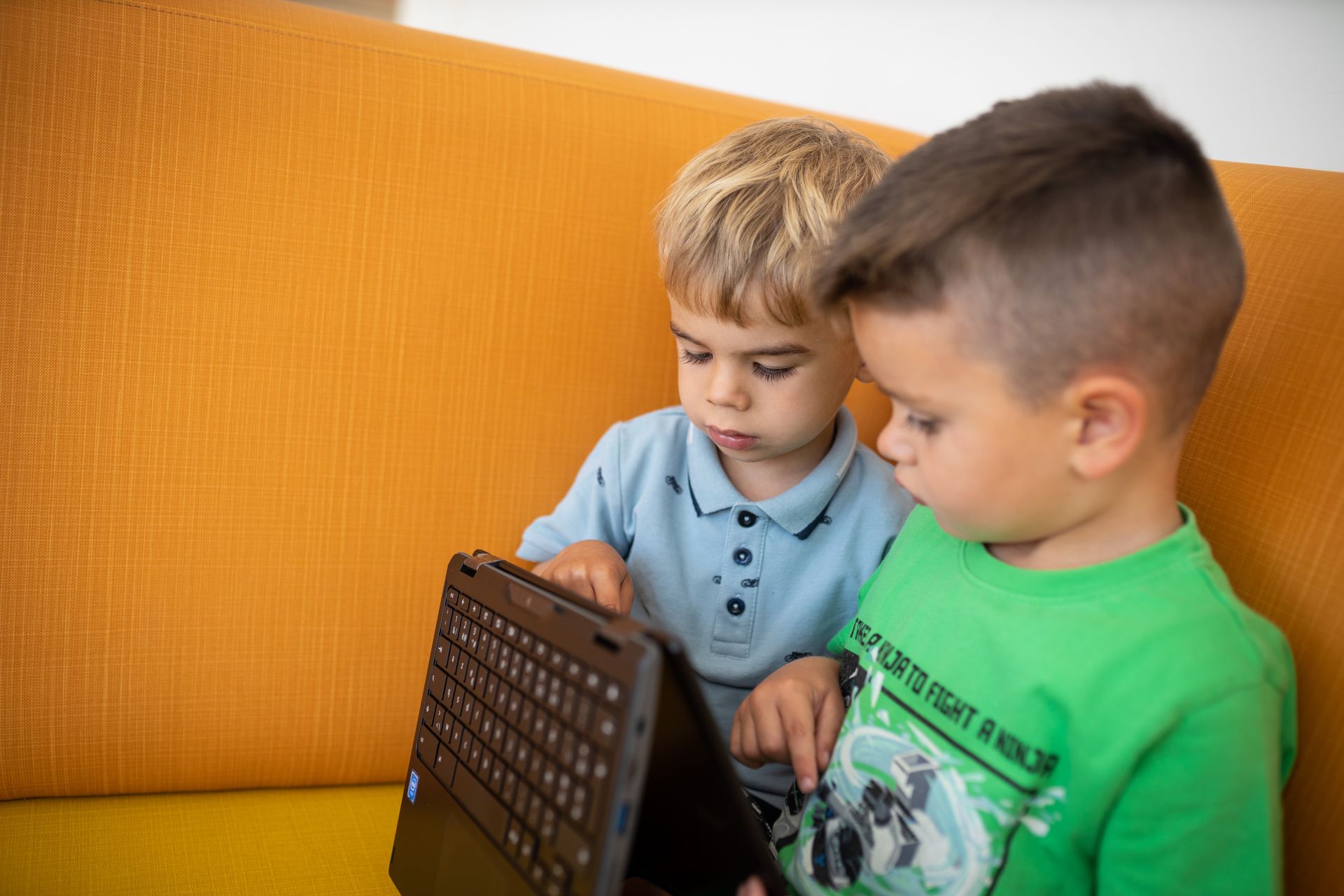
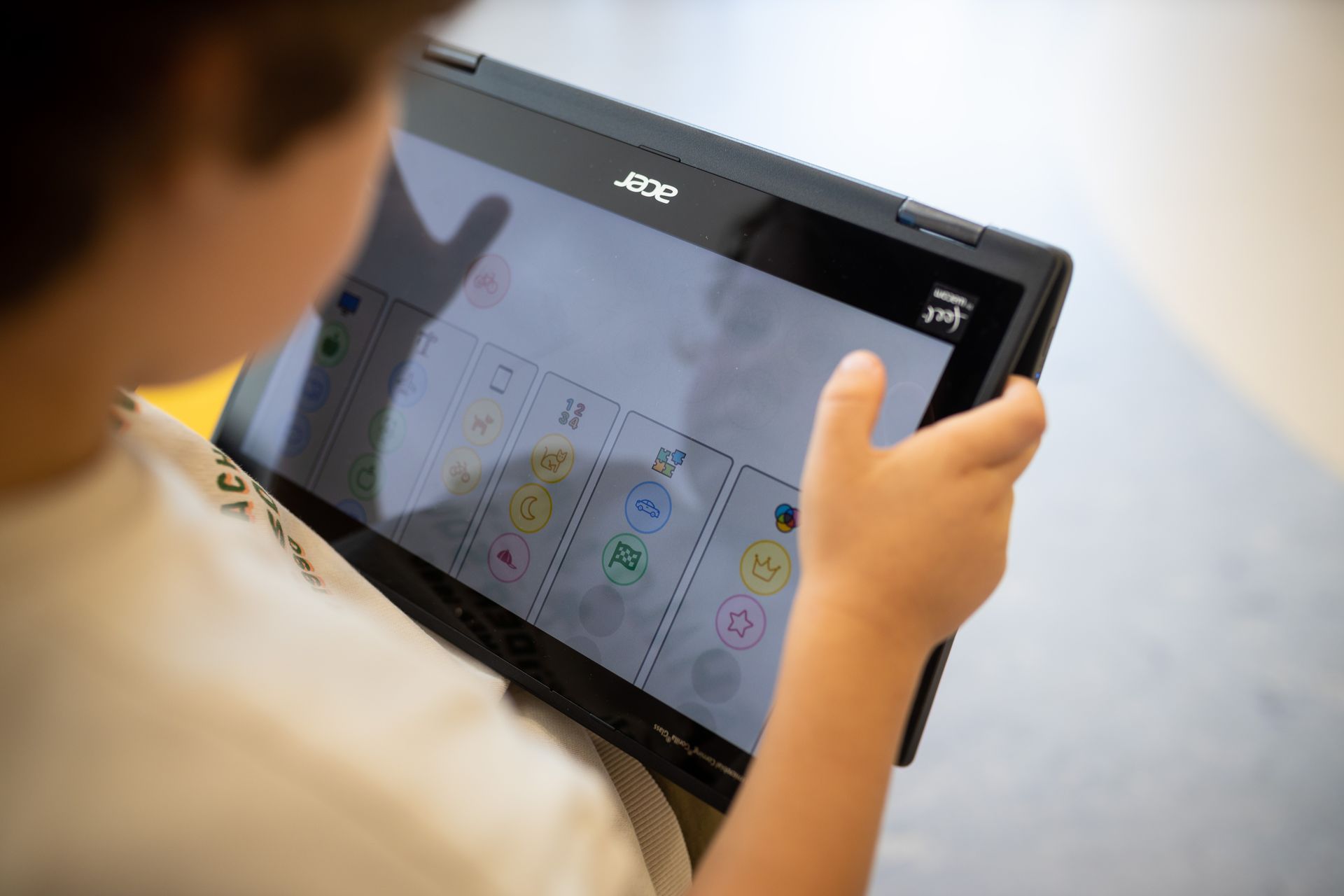
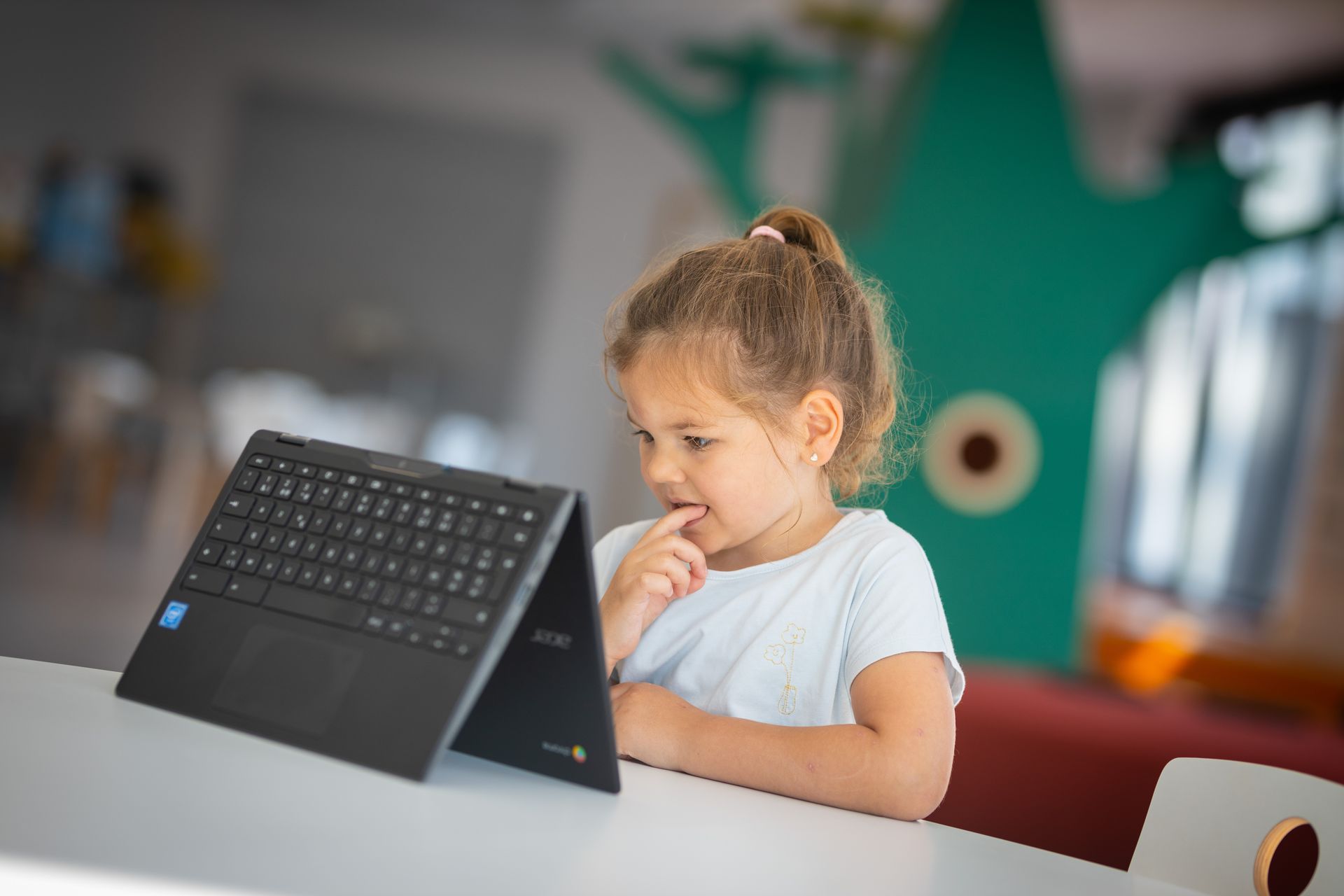
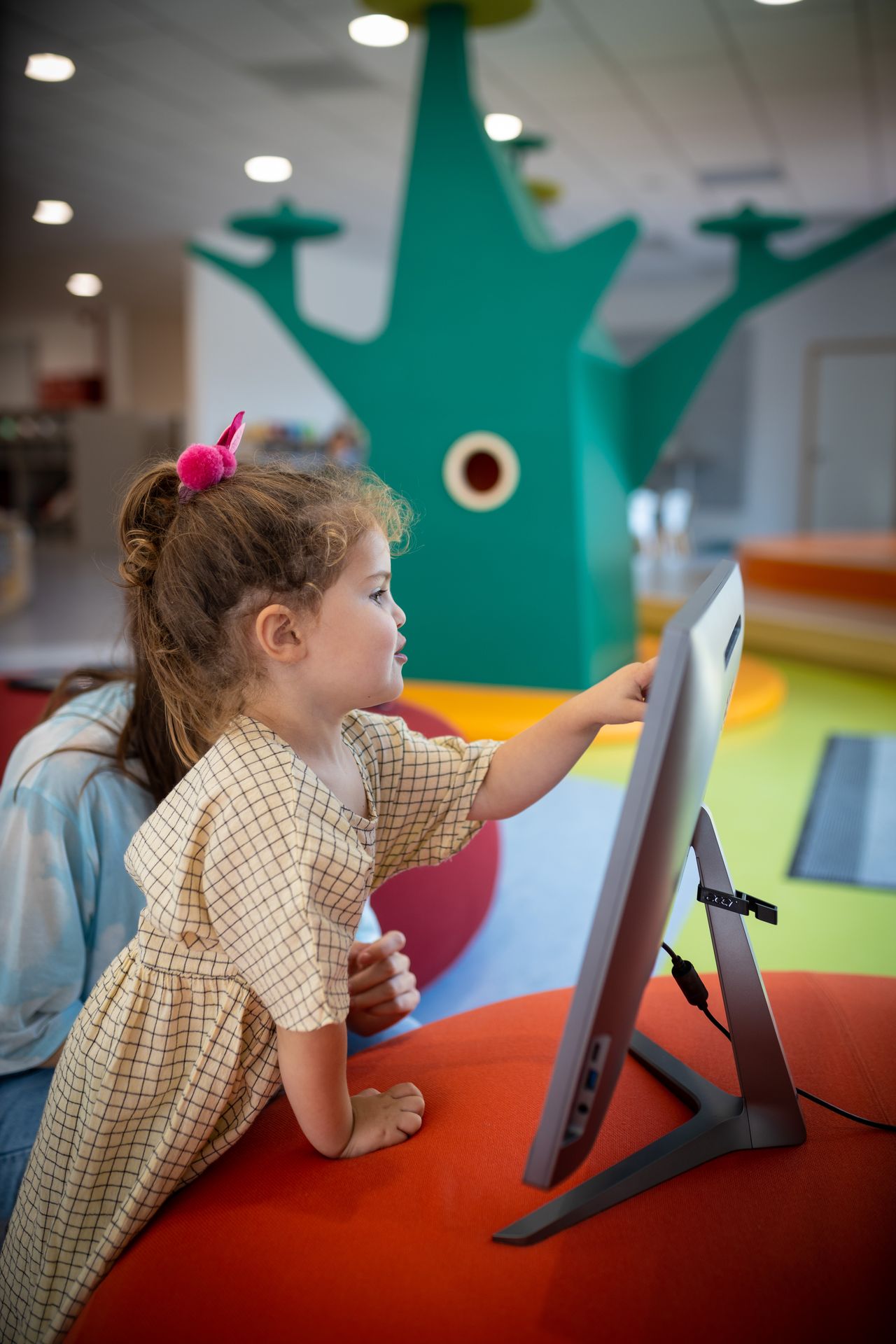
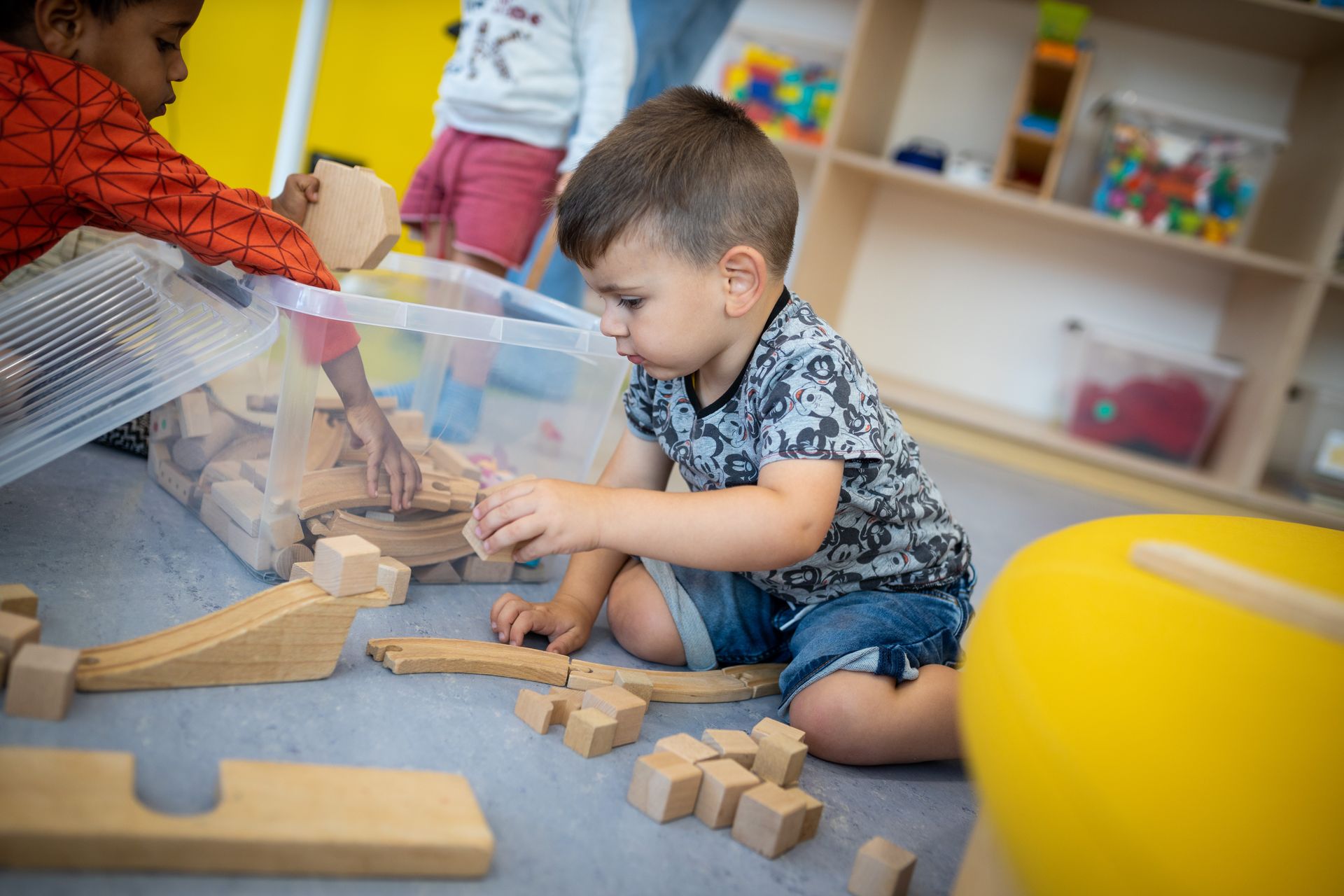
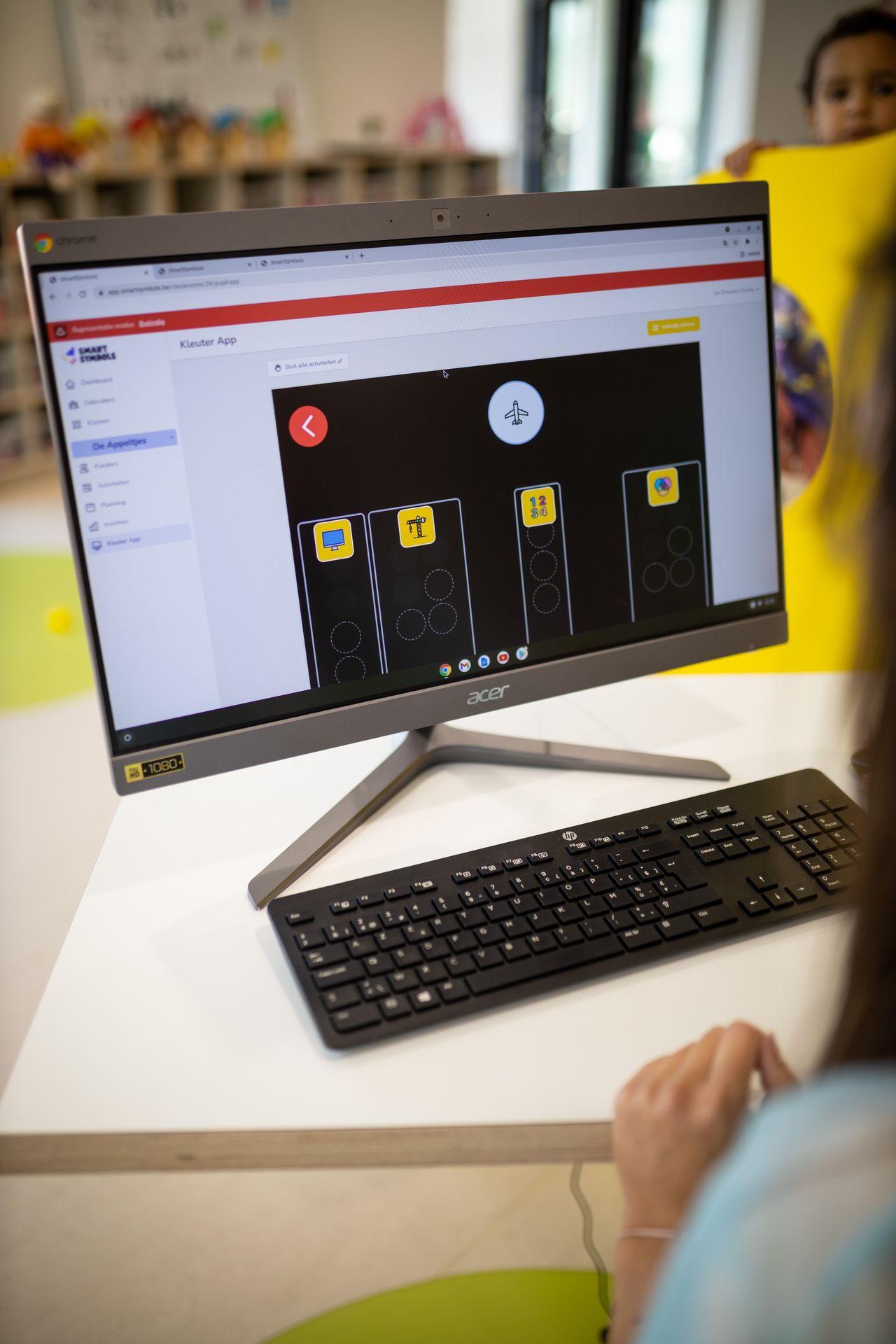
This is how it looks in the classroom
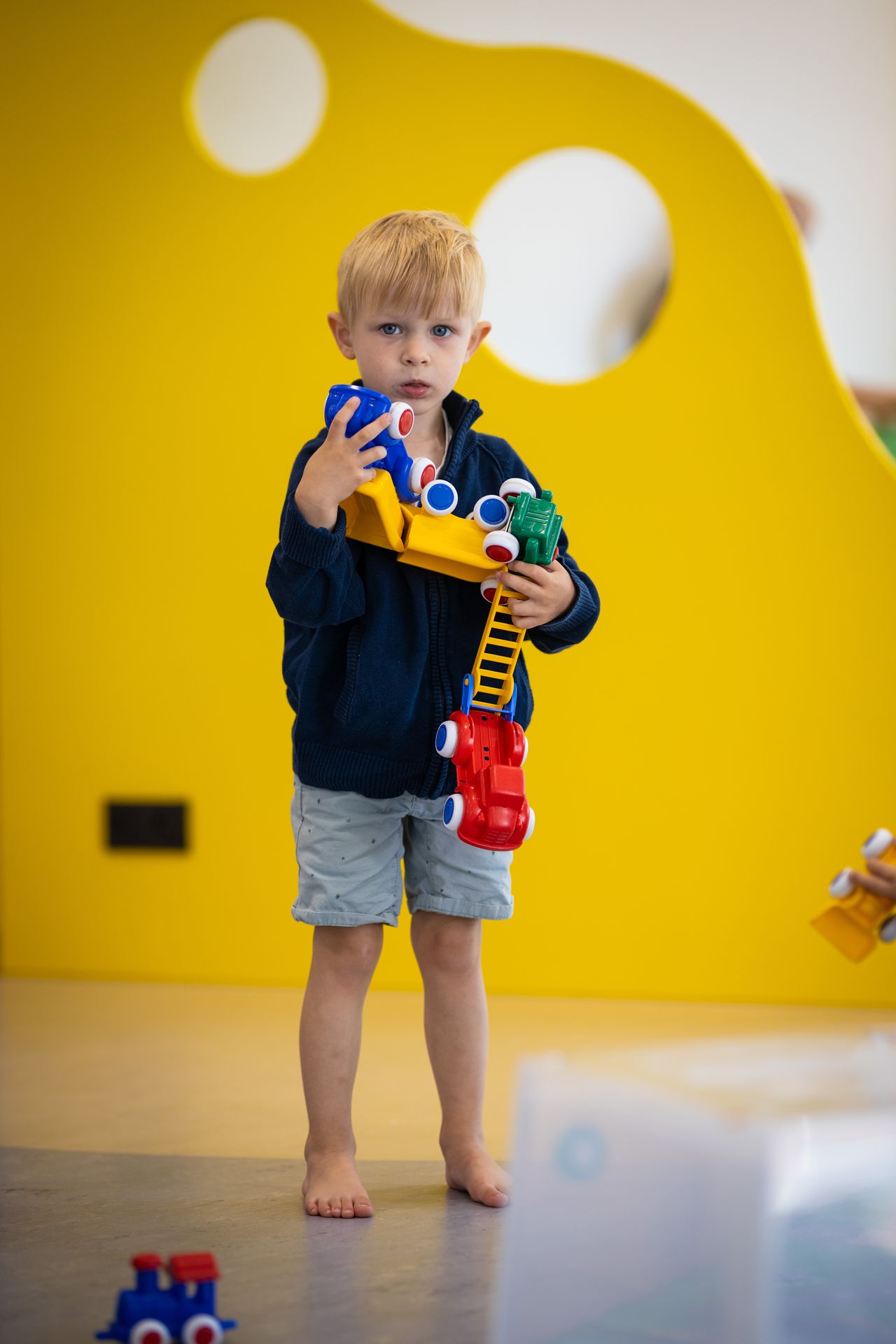
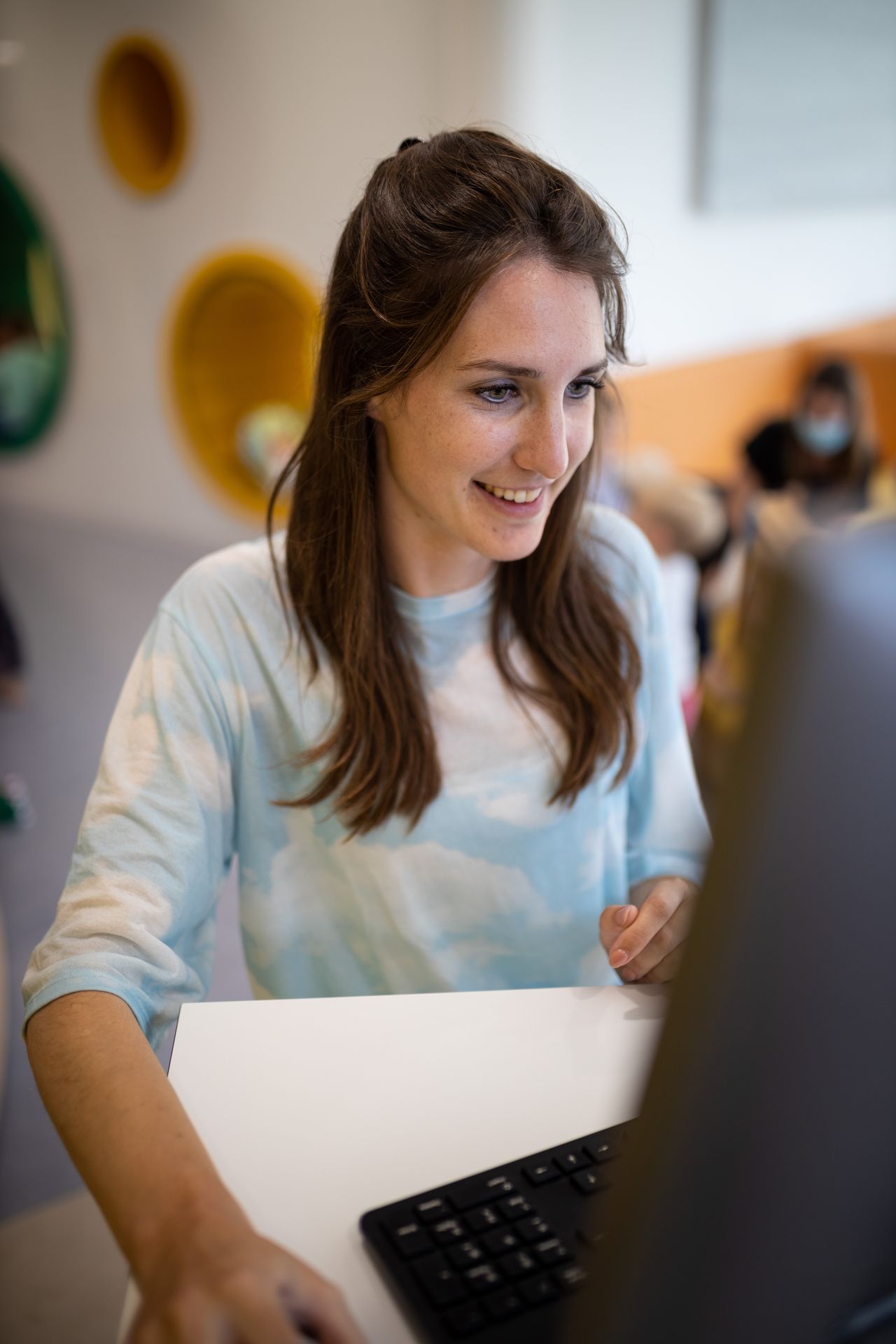
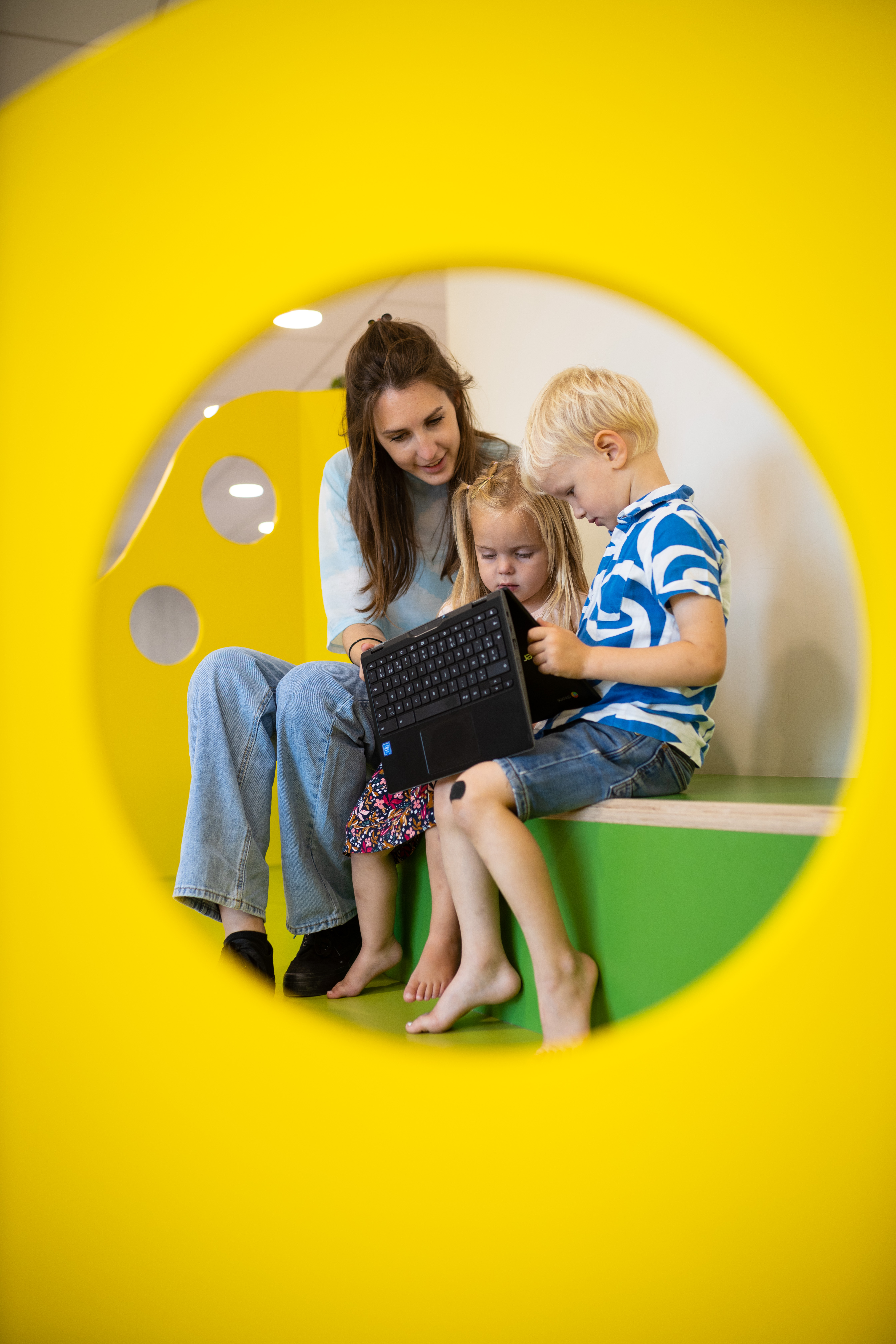
Children choosing their own learning corner, a teacher capturing an observation in passing: this is how Smart Symbols works every day in real classrooms.
Made with teachers
We know the preschool classroom from the inside
Smart Symbols is built in close collaboration with teachers, education experts and academics. By constantly asking, testing and adjusting, we make sure the app is fun and easy to use, saves time and provides valuable insights. That leaves more time for what really matters: the children.
Meet our team →Testimonials
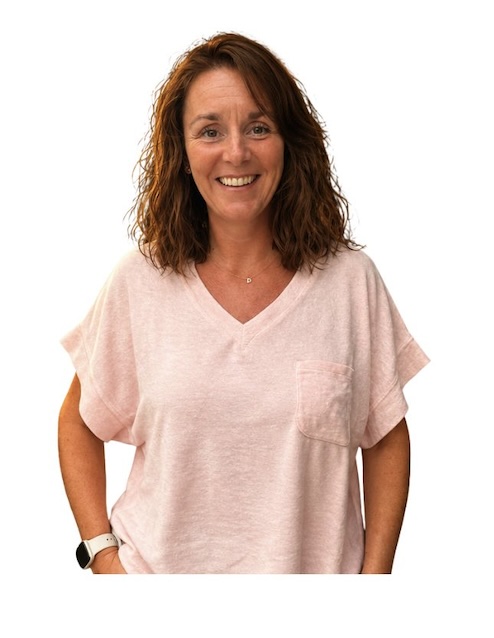
What teachers say


Frequently asked questions
Can't find your question? Feel free to get in touch.
What happens when a child moves on to first grade?
The pupil file grows with the child. Observations, photos and evaluations are kept, so at the transition to first grade you can show exactly where a child stands, and the new teacher can build on what you collected.
How is Smart Symbols priced?
You pay per pupil. Colleagues such as the principal, care coordinators, ICT coordinators and other teachers can be added without limit, at no extra cost.
What does Smart Symbols cost?
There are two packages: Lite and Essential. The price depends on your school, so we are happy to make you a tailored quote.
What is Smart Symbols?
Smart Symbols is an app for preschool teachers. You plan your themes in it, children choose their learning corner on the digital choice board and you record observations and assessments. That gives you a clear picture of each child and each class.
Is Smart Symbols a pupil tracking system?
Smart Symbols brings together observations, photos, goals and progress for each child in one place, so you can follow a child throughout the year.
Does it work with our curriculum?
Yes, you link activities and observations to the goals from your curriculum.
Which devices does it work on?
On any device: laptop, interactive whiteboard, tablet and smartphone.
How do I get started?
Request a free trial and try it with your own class. The Essential package includes an online training, so you can get started smoothly.
Still have questions?

Ready to try it yourself?
Test Smart Symbols for free with your own class. We are happy to help you get started.